Source Configuration
To add a new data source, right-click within the Sources pane and select the desired source type from the context menu.
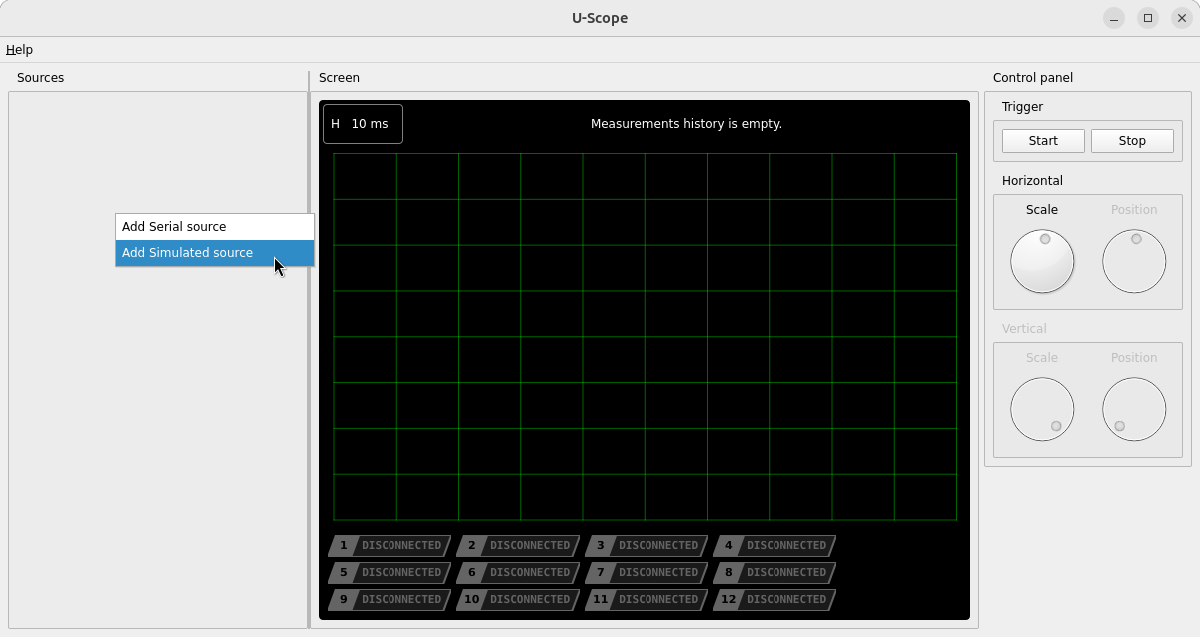
Two source types are currently supported:
- Simulated Source — a waveform generator with constant and sinusoidal forms.
- Serial Port Source — reads incoming serial data, interpreting each byte as a signed 8-bit integer.
Selecting a source type opens its configuration dialog. Once confirmed, the source appears in the Sources list along with the variable(s) it exposes.
Removing a source
Right-click an existing source (not one of its variables) in the Sources pane and select Delete existing source. This stops the underlying reader and removes any channel assignments associated with it.